
Is PUBG down? Discover the essential guide to checking official server status pages and using reliable third-party tools like IsDown for accurate, real-time updates on PUBG BATTLEGROUNDS server issues.
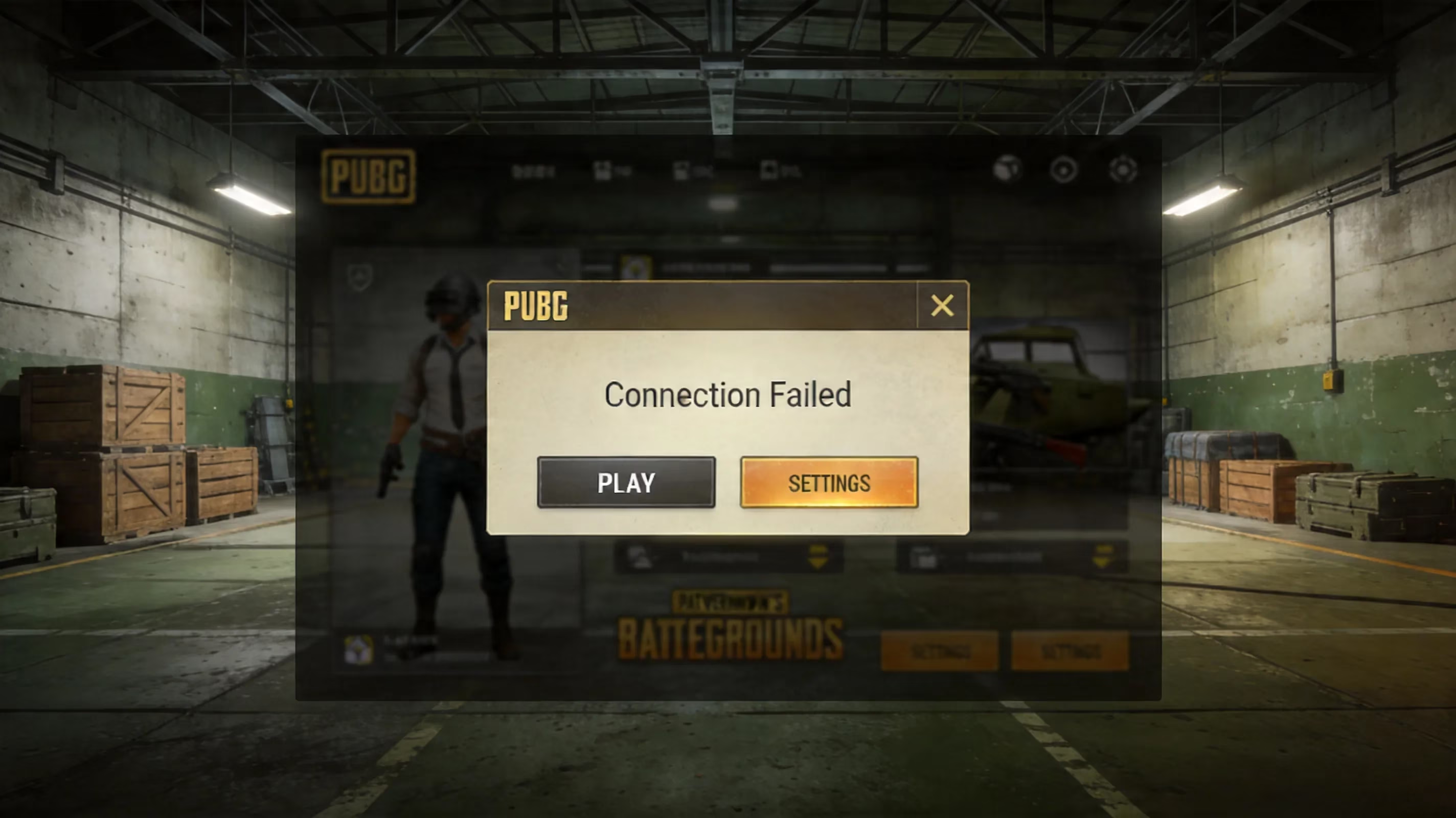
If your squad has been kicked back into the lobby and the game refuses to load, you're probably asking yourself is pubg down. And you would be totally justified in doing so; if you’re just waiting for maintenance to end then that can be a short amount of time to wait (possibly less than an hour). But, if you’re spending an hour trying to figure out what’s wrong with your own system and there’s actually a problem with PUBG BATTLEGROUNDS then you will feel rather stuck. PUBG BATTLEGROUNDS, which is being developed by PUBG Studios and will be published by Krafton, is currently available on PC through Steam, PlayStation, and Xbox, as well as on mobile with PUBG Mobile and BGMI apps. That said the different platforms do not share the same backend, which means that even though one platform has a problem, it doesn’t mean that all platforms will have issues at the same time. The guides below detail how to know if the PUBG servers are running correctly and how to troubleshoot them when your client doesn’t work but the servers are.
Is PUBG Down Right Now
If you want to know if is pubg down and need an answer quickly then you should check the official Krafton server status page; it is the closest thing that you’ll get (less than one hour old) to the truth by providing live service status across authentication, matchmaking services, and backend services across all regions. If all systems are green, you will most likely have an issue with something on your site, with your ISP or the route it uses, or with your console; none of these things will necessarily be caused by the PUBG servers being off.
With that being stated above it is important to note that in the early stages of a game being being out, usually within the first 5-10 minutes, the official sources may not have all of their information. In situations like this, I recommend using websites such as IsDown or DownDetector. In addition to getting an idea of how many users are reporting issues to the respective websites each will provide you with an indication of when the outage first started. IsDown is especially useful in that it does not only collect complaints but also checks the official webpage for PUBG: BATTLEGROUNDS every few minutes and combines that data with user-generated reports. Thus, IsDown is much more reliable than just raw noise by itself.
Below is a summary of the various sources that are worth checking:
| Source | Type of Signal | How often you get updates | Best Time to Use It |
|---|---|---|---|
| Krafton Official Status Page | Infrastructure-level telemetry | Near Real-Time | To Confirm That There's A Server Issue |
| IsDown | Status page aggregation + user reports | Every Few Minutes | To Cross Reference Data From Official Status |
| Downdetector | User Generated Crowdsourced Reports | Continuous Use | Early Detection of New Spikes |
| X (Twitter) / Reddit / Discord | Community-Based Social Signals | Immediate Use | Fastest Way to Get Confirmation from the Community |
Many players confuse an actual server outage with a local connection drop. If you lose connection but your squad continues to play together, that is almost always not an indication of a global PUBG server issue. If Downdetector shows widespread spikes throughout multiple regions while Krafton rates matchmaking to be degraded, then is pubg down can begin to be answered with a definite yes.
Where to Find Current PUBG Server Status By Platform
Every region has its own dedicated server cluster for PUBg: BATTLEGROUNDS (North America) while the other regions (Europe, Asia, South America and Oceanic) rely on Steam Server clusters. While a lot of players do not realize this, Steam also has its own set of services that need to be functioning. If you're having trouble logging into PUBG on PC because your Steam authentication is down, it might just be because you can't access the service and Krafton has no server issues listed—so check both the Krafton and Steam status pages immediately.
Console players have a more complicated time of it since their platforms use private matchmaking for their games before linking up to UI for offering games from an external publisher like Krafton. If you're on an Xbox console and are having trouble using your Online services on the Xbox, then you might experience problems creating parties and going into lobbies even if the server is up.
If you're experiencing connectivity issues while playing PUBG Mobile or BGMI, it's possible that you have a different issue than other types of player. PUBG Mobile depends on Tencent Games to run it; BGMI is run by Krafton India. That's why if there are connectivity issues experienced by PUBG Mobile players in the Southeast Asia region, it says nothing about the availability of the PC version of the game in the European region. Additionally, players of BGMI on Jio have reported routing issues at the carrier level similar to server downtimes. Instances where connectivity issues are resolved when a player switches to an Airtel or Vi SIM card lend to the idea that the issue was due to the network routing as opposed to the game server.

As a general rule of thumb, there are more frequent issues around regionally-released patches and seasons than there are on a regular basis. Krafton generally performs maintenance during each regional off-peak times around when they post schedule notifications (usually via official social media platforms or in-game notification boards) of when maintenance will occur. ### Symptoms of PUBG not working
Authentication Errors
There are two primary ways to authenticate:
- "Krafton Identity Services" or the "failure to authenticate from an external provider."
For example; in 2026 players reported this issue with their credentials from Algeria and Canada. The outages reported at the same time were tied more frequently to intermittent backend issues versus a real full-blown outage.
- The BattlEye Anti-Cheat along with the battle royale error messages (e,g., "The security program isn’t properly running"), which will crash the client within about a minute after launch. In other words, these are not server issues, more commonly they relate to local issues, permissions, drivers, or corrupt anti-cheat services.
Another major system error players run into when attempting to log into PUBG is the "sign-in loop." If your computer appears to log you into PUBG only to immediately dump you back to the sign-in screen, you likely have a session token conflict. Typically, clearing cached credentials or relaunching Steam as an administrator will resolve this issue.
UPM's (User Policy Mis) Matchmaking / Lobby Issues
When creating a match takes a pro-longed amount of time to create a match/create your session can usually correlate with one of three causes:
-
A regional "matchmaking" server is overloaded at the time of peak traffic/usage.
-
Maintenance has taken place at the time and availability hasn't been accurately reflected.
-
Your local lobby state may have become corrupt because you were not logged into your UPM profile.
When errors occur players will continue to have the "party-ready" issue that has caused so many headaches. The squad has been waiting for their countdown timer, but nothing is happening in the lobby. Typically the easiest way to resolve this is to simply ask the squad leader to disband the party and start a new one.
The matchmaking system is also affected by maintenance, meaning that it is likely the first system taken down and the last system to come back after maintenance. If you queue at a time when matchmaking is down, expect very lengthy wait times for it to come back, and ultimately receive an error message.
Lag, rubberbanding and packet loss
Many players attribute rubberbanding to server issues; however, in most instances, this is not the case. Desynchronization (desync), sudden spikes in lag, and packet loss may all be technical issues between your Internet service provider (ISP) and Krafton. The lag from a server-side issue should usually produce similar gameplay from all players in the match, while local packet loss will normally only affect one player and will cause that player to rubberband while others will describe the gameplay as having no problems.
You can utilize the in-game network debugging settings found in the Settings menu to see an objective measure of how your connection is performing; specifically, the amount of time your ping has been fluctuating, your packets lost as a percentage of packets sent, and your frames per second (FPS).
If you are an individual living in South America or South Asia, you will find that during evening peak hours, there is a lot of regional ping fluctuation, which can cause an added delay of 80-120 milliseconds to your normal latency without affecting Krafton's infrastructure. How Can You Determine if The Servers for PUBG Are Down or Just Not Working for You?
A very convenient solution is to check Krafton's main service/check on IsDown/ lastly use Downdetector's outage map, as it will indicate if there are many other people in your vicinity reporting a problem with the service. If there are specific geographic areas with a high number of complaints, then it is likely that you have a local routing or data center problem rather than a global outage.
Another great way to determine if there is an outage is to check the major social media networks for the term "PUBG down" and sort the results by most recent. Checking the front page of the PUBG subreddit and looking in the server-status channel of the official Discord can also provide a lot of useful information quickly, especially if the most recent activity is scarce and the servers are online.
An overlooked option that is quite effective is simply inviting a friend to join your game if they are on the same console but with a different ISP. If they are able to launch the game and connect to a match, then you most likely have an isolated problem on your own machine/network. If they cannot connect either, then the likelihood of having a server-side issue drastically increases.
If the server appears to be functioning properly and you are still unable to play PUBG on PC, the first step should be to verify game files using Steam's built-in file verification function. To verify the integrity of the game files for PLAYERUNKNOWN’S BATTLEGROUNDS, right-click on the game in your library, select Properties, navigate to Local Files, and select Verify Integrity of Game Files from the options. Steam will replace any corrupt or missing files. This process usually takes between two and fifteen minutes depending on the speed of your drive.
Another good step is clearing Steam’s download cache by going into the Settings menu, selecting Downloads, then choosing “Clear Download Cache.” This can be very helpful in preventing problems with downloads that did not complete successfully or corrupt downloads if the client has downloaded a portion of the update, applied a corrupt update or if the client’s download cache has been corrupted in any way. Also, ensure that your video card drivers are up to date as both NVIDIA and AMD frequently release game-specific fixes to address issues like crashes related to shaders or issues with BattlEye. Windows Updates are also critical as PLAYERUNKNOWN’S BATTLEGROUNDS relies on a number of background processes for normal operation which are maintained through the normal Windows Update process.
Your checklist for getting your PC ready for gameplay should include:
-
Verify the integrity of the PUBG game files in Steam.
-
Clear the Steam download cache.
-
Update your video card drivers.
-
Install any Windows updates that are pending.
-
Verify that BattlEye is up and running.
Network Troubleshooting Steps
If you are having network issues, try performing a full router reset by powering the router completely off and waiting a short time before turning it back on. Do not simply utilize the reset button; turning off the router will reset the NAT table and will also refresh the DHCP lease. This will solve more lobby connection issues than you would believe.
If you are still having issues connecting to the server and/or playing the game, try switching your DNS servers as well. A slow or unreliable DNS resolver from your internet service provider when using 1.1.1.1 or 8.8.8.8 will likely improve authentication handshake times. Testing PUBG on a mobile hotspot and comparing it to your home connection can be a definitive method of rule out issues with either your home router, destination routing for the IPV4 path, or a firewall rule somewhere along the network path after the NAT.
VPNs can also cause problems with your connection to PUBG. The PUBG anti-cheat mechanism does not function properly with unusual geo-routing or VPN endpoint nodes that are blocked from use. If you're having problems logging into or getting into matches in PUBG, make sure to disable any VPN software and/or third-party firewall software before attempting to connect again.
Troubleshooting crashes and launches of PUBG
Many of the Steam launch options that were being thrown around in guides for PUBG during their early access period are still in use today, and many of those options are no longer useful for current builds and versions of the game. If you have any spring launch options set up in Steam, make sure to delete them and try launching PUBG again to see if you can get into the game clean.
You should also delete the TslGame directory which is located in the ~%localappdata%~ directory. Deleting this directory will force PUBG to recreate the configuration files and shader data for the game; for users experiencing repeated crashes after the last patch, this could potentially clear up post-patch crashes, looping crashes, and/or odd behavior when launching the game. If you're also currently overclocking your PC (CPU, memory, or video card), make sure to revert everything back to default (non-overclocked) clock rates when you're testing. PUBG can be extremely susceptible to memory instability and therefore many of the random mid-match crashes can be attributed back to hardware tuning and/or clock rate settings that were considered stable in other titles.
Now that we've covered that, you should also check to see if disabling fullscreen optimizations on TslGame.exe located in Steam/steamapps/common/PUBG/TslGame/Binaries/Win64 helps against these issues. As stated earlier, the Windows DWM compositor can cause conflicts in rendering PUBG; therefore, many of the issues that you may experience at launch and/or stuttering during gameplay could be attributed to the DWM compositor interfering with the game.
PUBG customer service and recovery options
If you have gone through the common fixes and you are not able to resolve your issue with PUBG, the next step would be to open a ticket at support.pubg.com. For planned periods of downtime, Krafton will often provide estimates of downtime on their various social media platforms and also in the Steam news feed. Most downtime due to planned maintenance lasts between 1 and 3 hours; however, if a live hotfix is rolled out during a time when the system is unexpectedly down, those periods of downtime have been known to last much longer.
If you are going to create a ticket, be sure to provide as much information as possible within your first message to the support team so they will be able to provide assistance in a timely manner. What Krafton's support team will consist of:
-
Approximate date and time the issue began
-
Description of the symptom experienced
-
Exact error message, if applicable
-
Create a DirectX Diagnostic (DxDiag) file by pressing Windows + R; type
dxdiagand save all information to your PC. -
Zip the CrashDump file located in the ~%localappdata%/TslGame/Saved/Crashes/ folder and attach to the support ticket when you submit it.
If you generally attach your DxDiag and CrashDump files to your ticket, you will often save yourself an additional reply back and forth when working with Krafton's support department for the same issues. After you have learned how to check the health of PUBG servers, learn about how various platforms handle the authentication of users, and learned which fixes are the most beneficial, the next time someone asks you, "Is PUBG down?" you will quickly be able to determine if the answer is "yes or no," and if the answer is "no," go back into the game very quickly without needing to guess when you enter the game.